My old trains have a second life;
with TinyGo (and some nRF52840)!

🥖 Disclaimer 🥖
- I'm French (which means my english is terrible);
- My daily job is not related to embedded computing or electronics (even if I work in IT);
- => This talk is about a n00b sharing a Sunday project.
A bit of history...
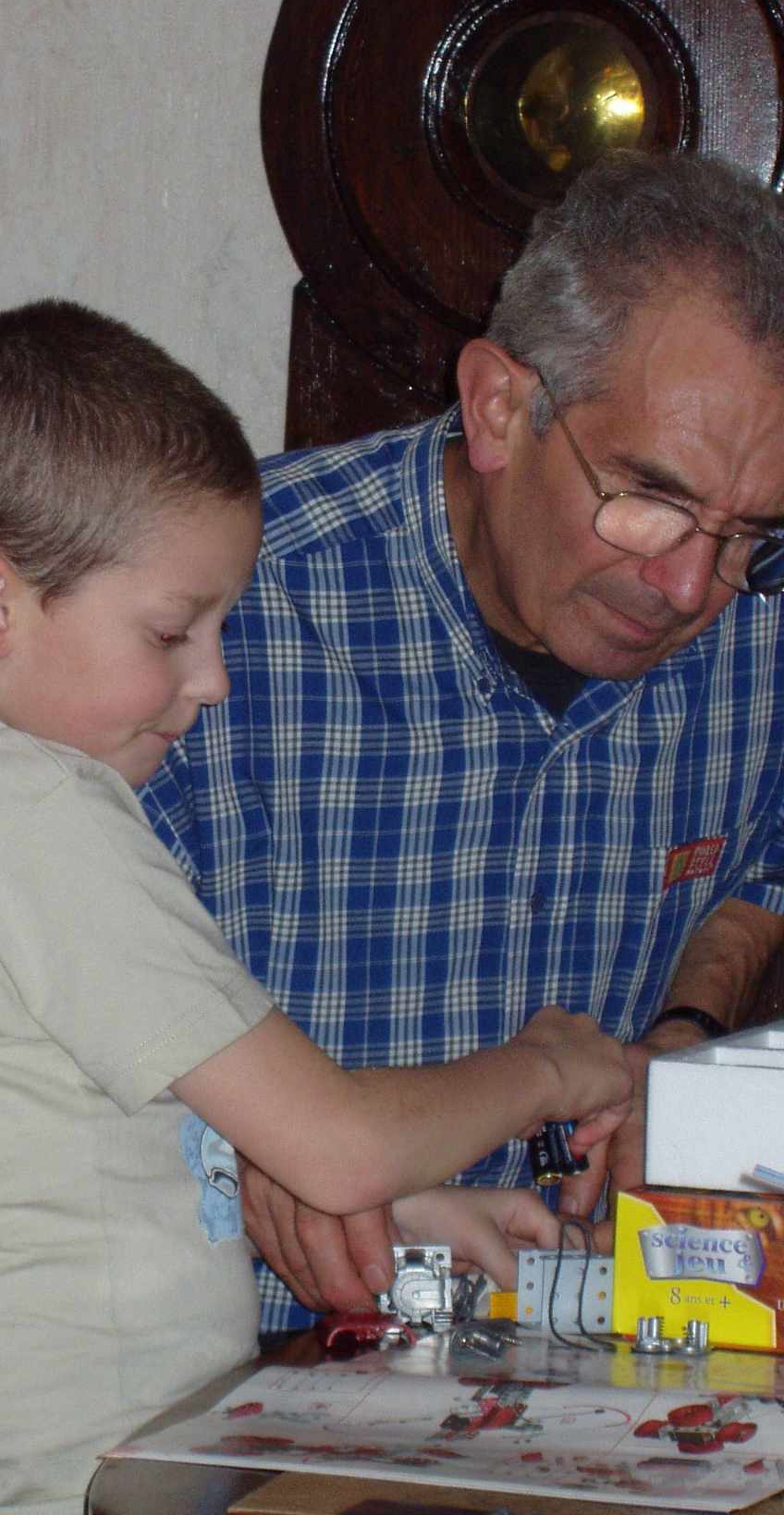
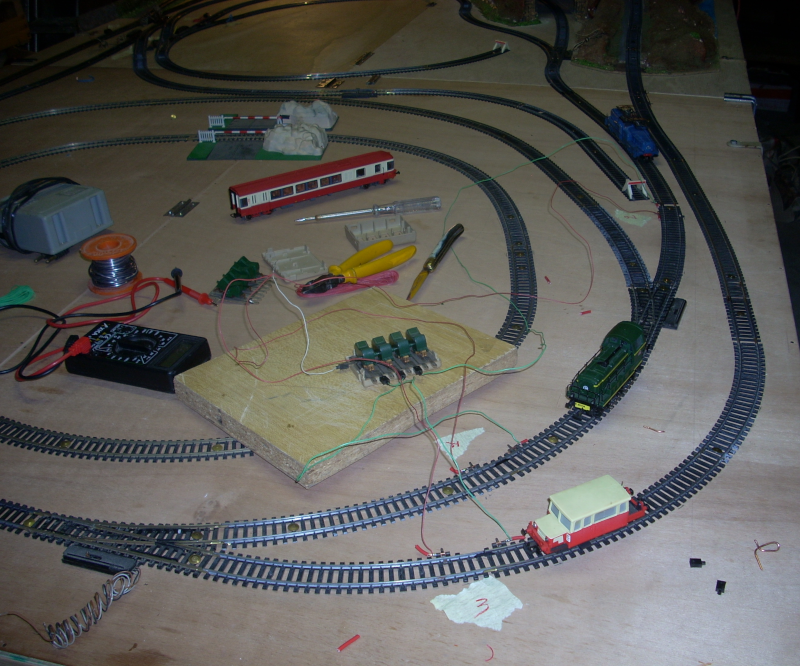
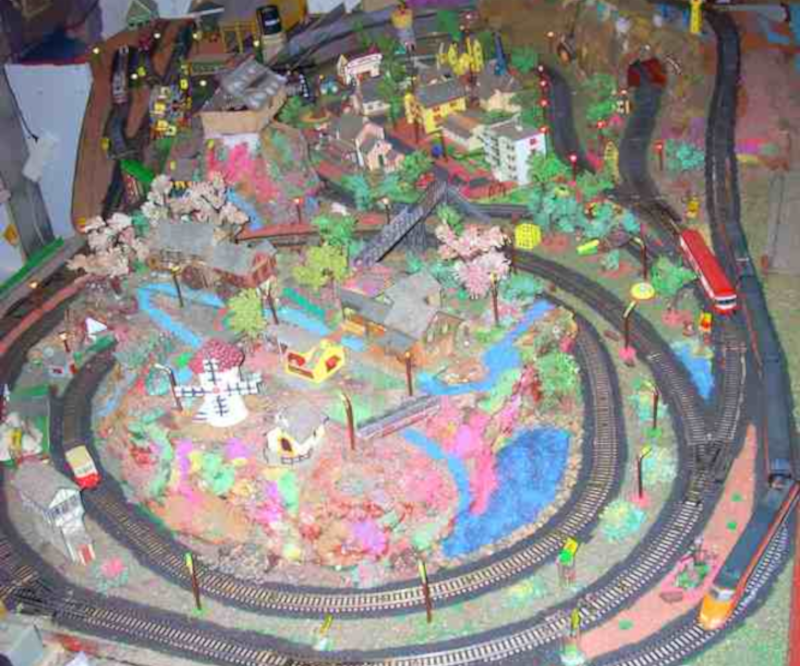
- HO-scale trains from the late '70s
- ... They slept for 25yrs in the attic...
- ... Before being powered back in 2005.
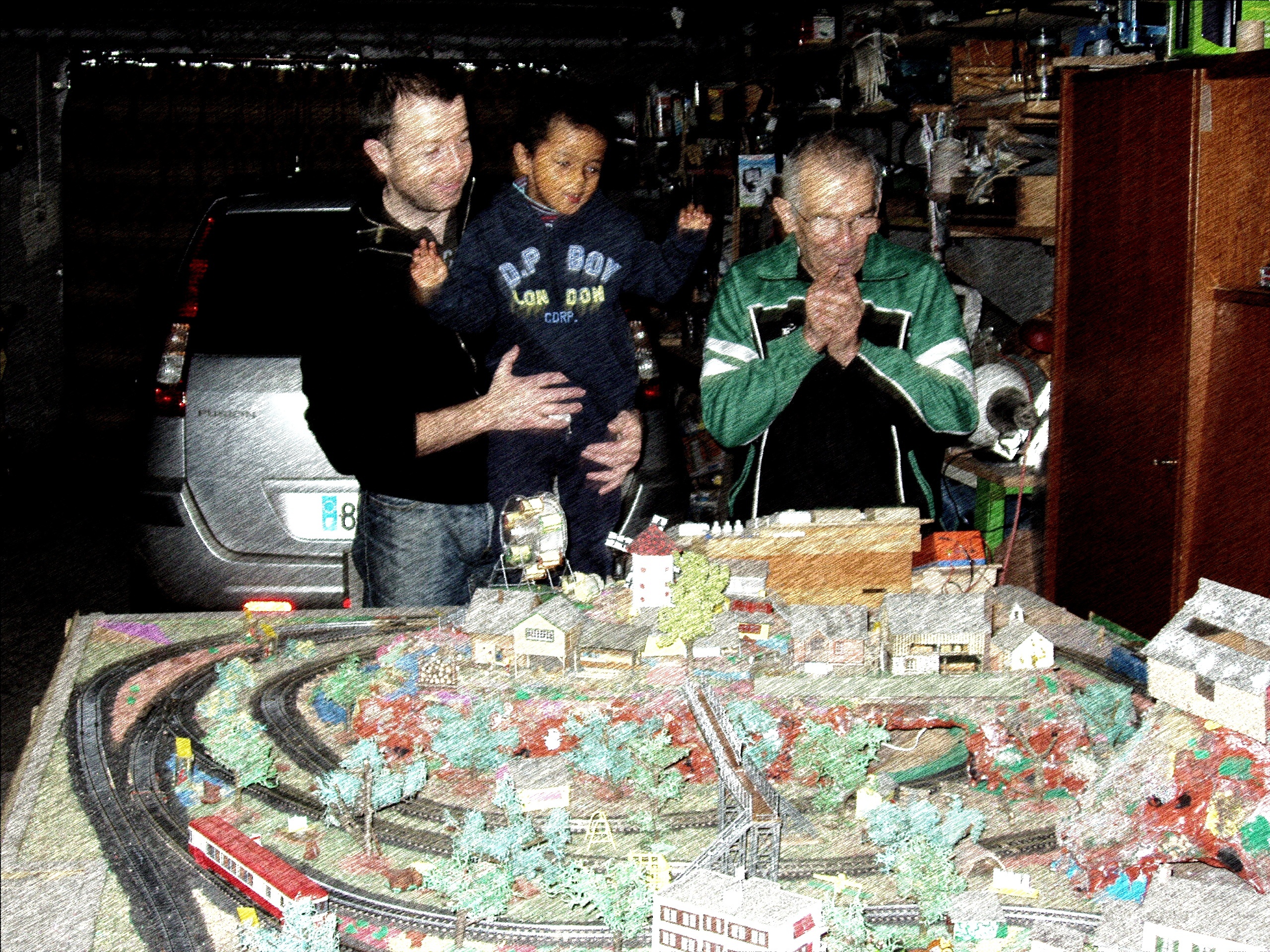
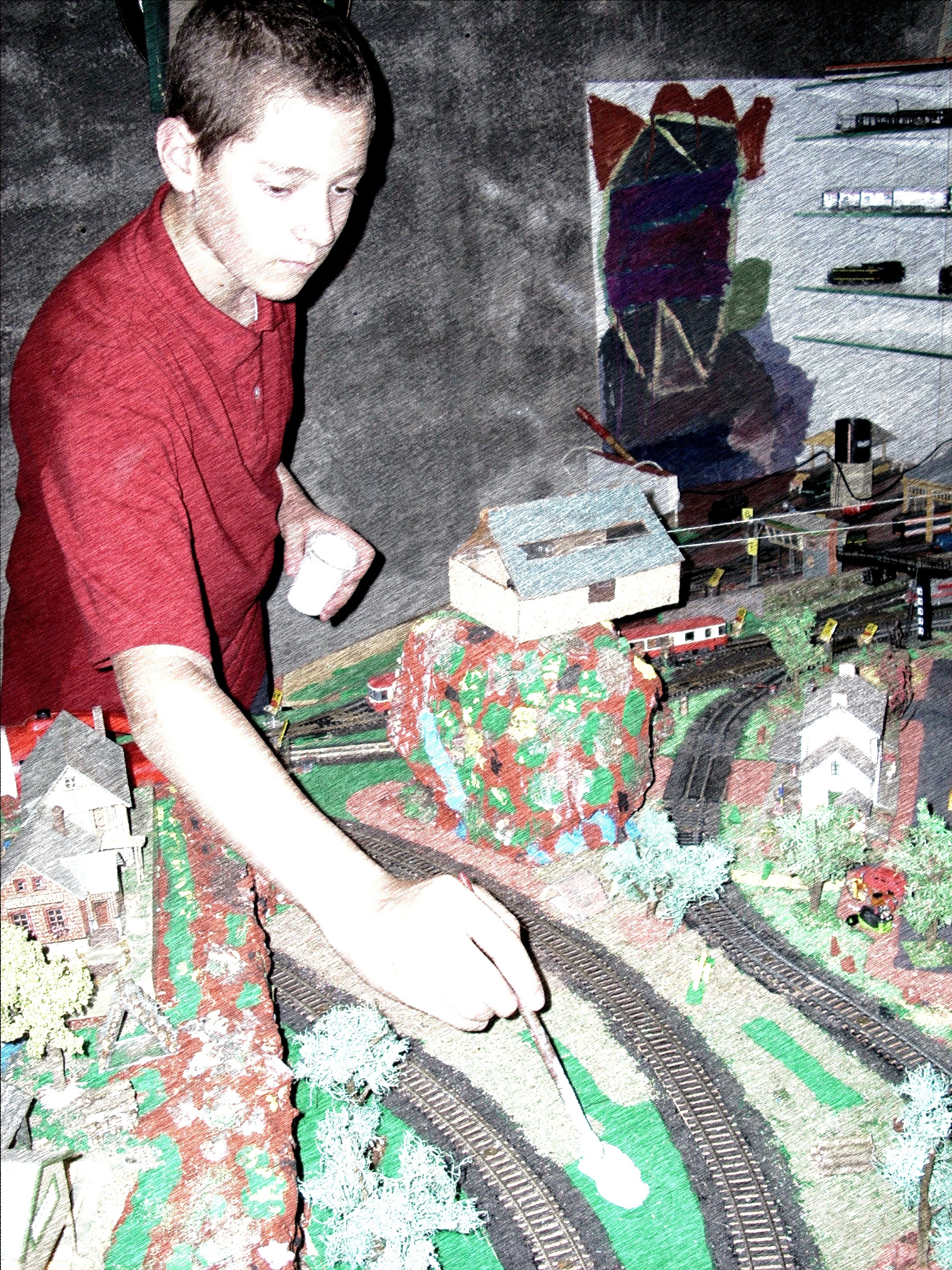
- We made some improvements since 2011:
- Tripled the size, with a new train station;
- New structures, new buildings (with lights!);
- And a big electrical update.
- => 3 generations played with them!
HO train 101
- Toy from the 19th century (1:87 scale)
- Became popular in the '50s (thanks to plastic manufacturing)
- Still produced (but VERY expensive)
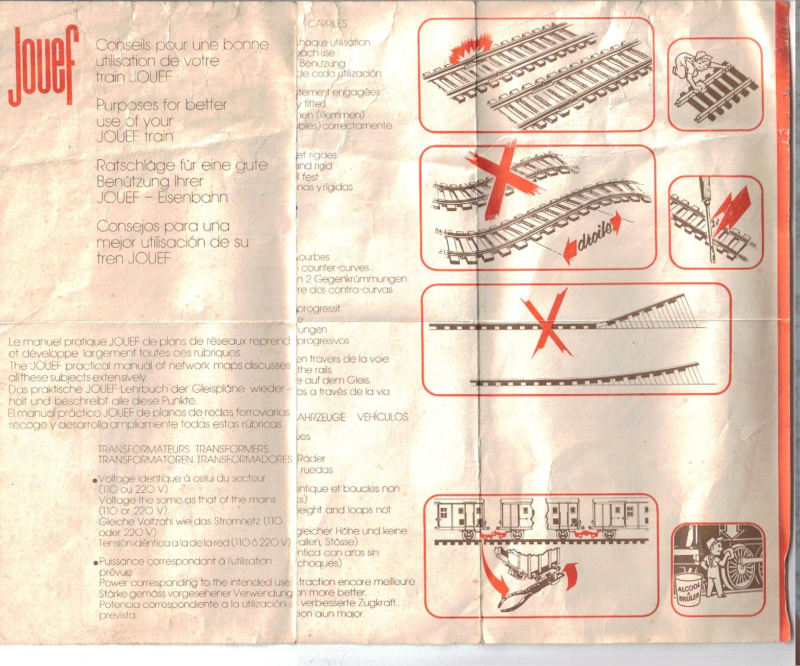
- 14V DC supplied through the rails;
- One lamp and one motor per train;
- That's it! Fully analog control.
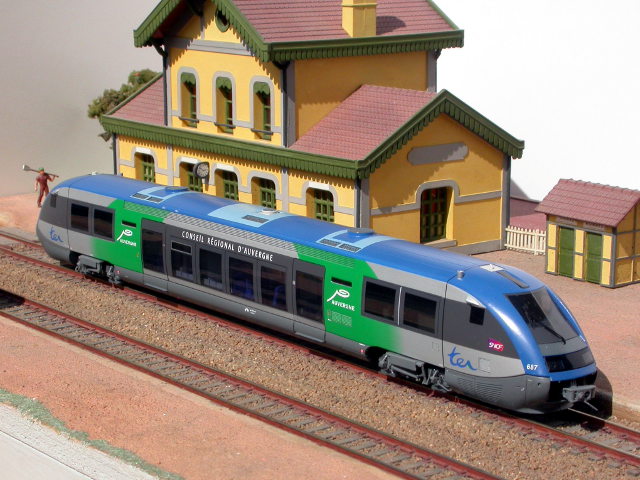
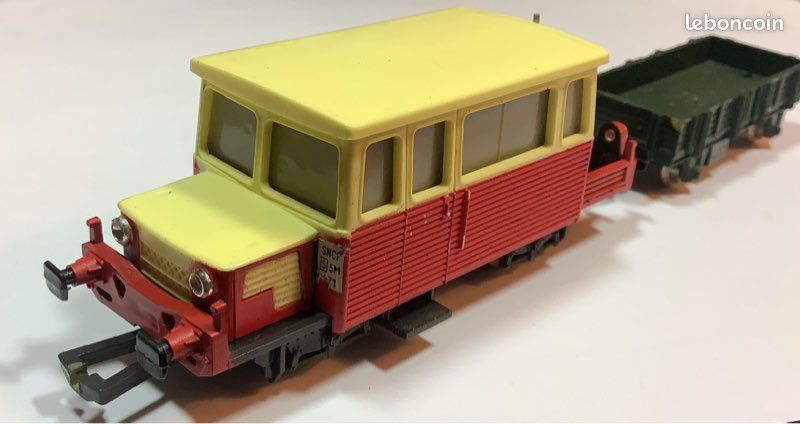
Back to our story: 2011 - we're expanding the network!
- And we started to see the limits of the analog system.
- To control our trains, we modulate the supplied power (from -14V to +14V)
- Which means all our trains go the same way and at (approximately) the same speed
- Even on our big model table, we can't handle more than three trains simultaneously
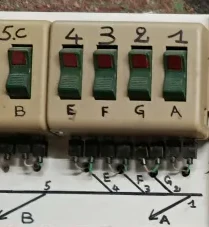
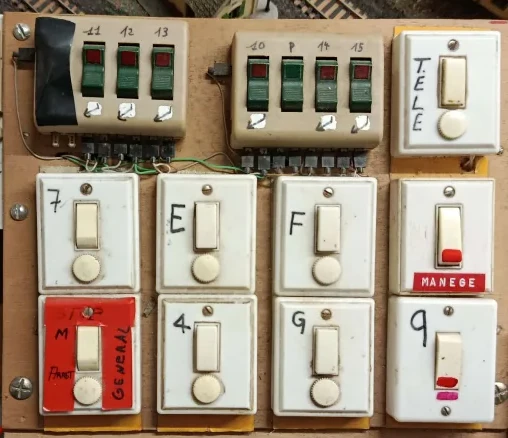
- "It just works": We use switches to cut power to parts of the network.
 |
 |
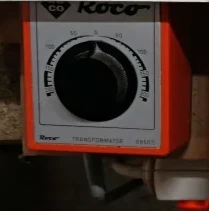 |
(But don't look under the table)
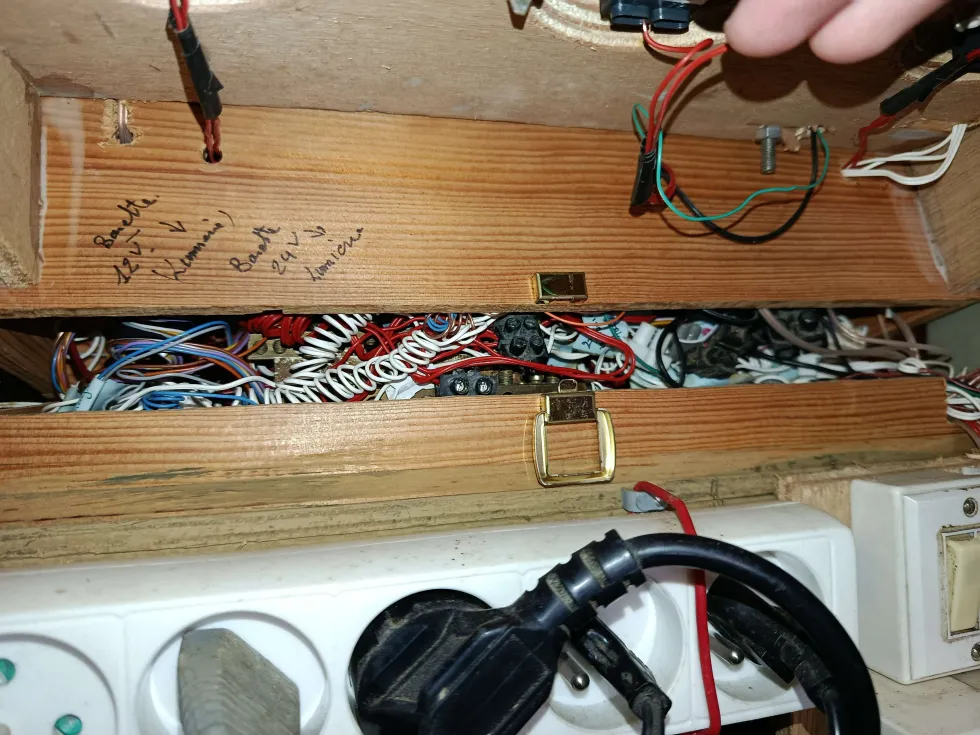
We're looking for a solution
- And here comes DCC!
- To summarize it real quick, we send information to our trains using the power coming through the rails
- => With this, we can handle up to 8 trains going at different speeds and in different directions!
That's awesome - we need this!

But...
- When you start using DCC, you must change EVERYTHING!
- You need a specific power delivery mechanism ;
- You need to change the train motor ;
- And add a control board inside.
- Total cost? Nearly €2,900 (for our 20 trains)
Well... Forget it, analog is good enough anyway.
And of course, the market only offers proprietary solutions.
Time flies...
We disassemble one of our trains
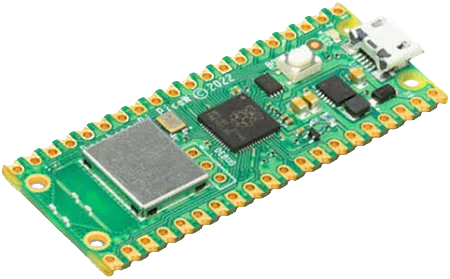
- There's just enough room for a Raspberry Pi Pico (and it runs TinyGo)!
- 21 * 51 mm
- 264kB RAM ; 2 core @133MHz ; 2MB flash memory 😎
- We order five of them (W variant)
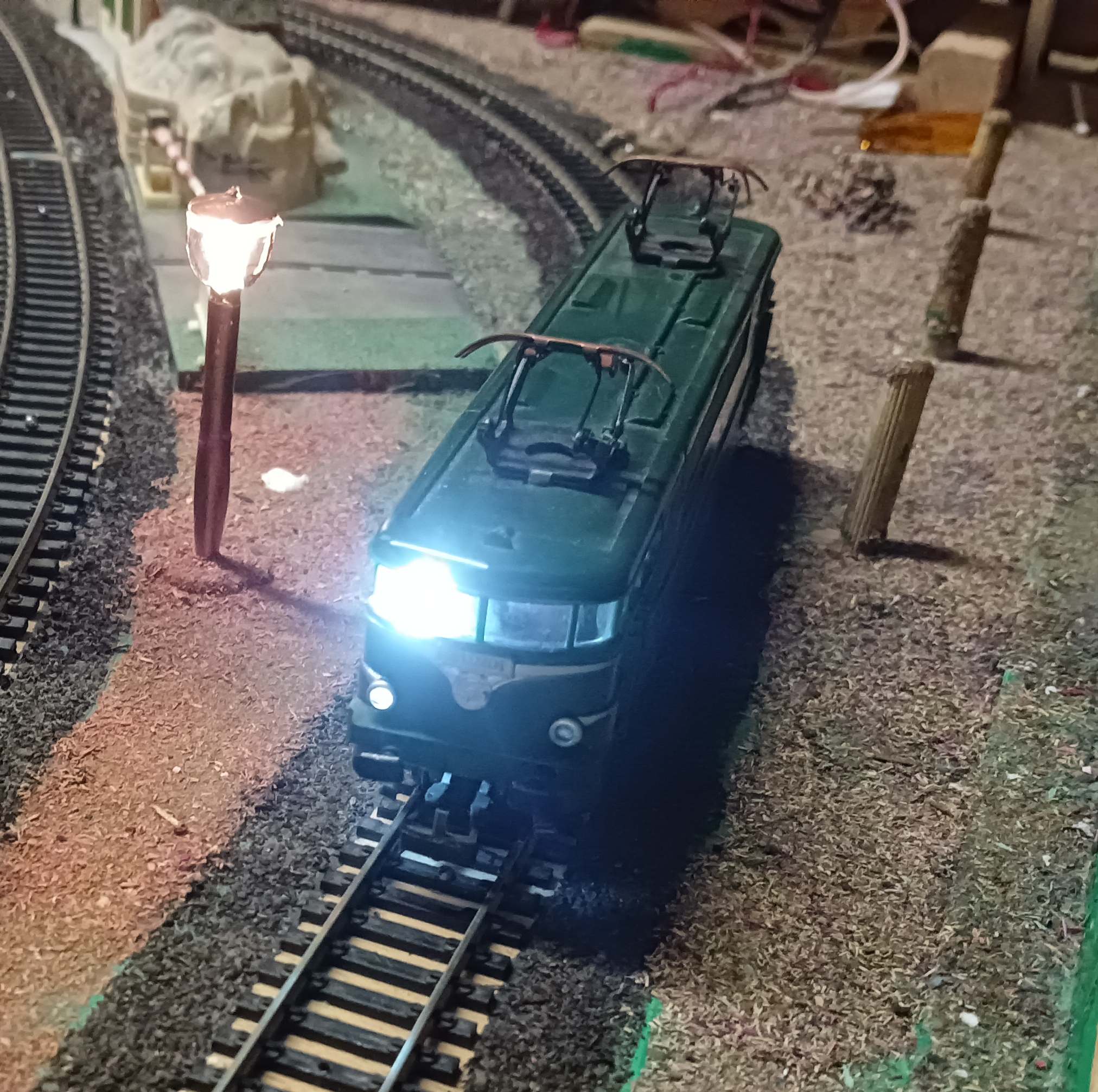
Our first victim (BB9201)
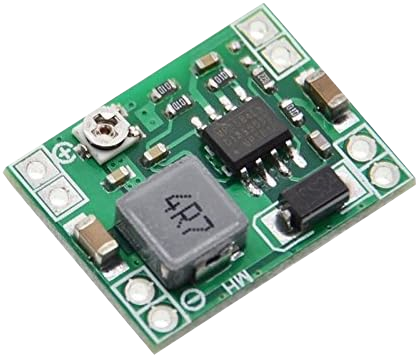
14V => 5V
- Our train are powered by 14V DC, but our Raspberry can only handle 5V (without smoke, sparkles and fire).
- => We add a step-down converter
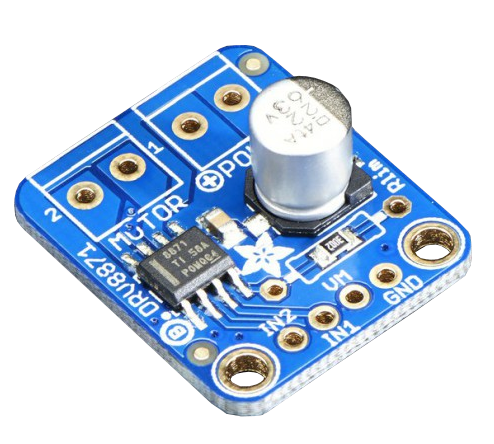
Motor control
- To control the train's motor, we add a PWM module
- => Let's buy an Adafruit DRV8871
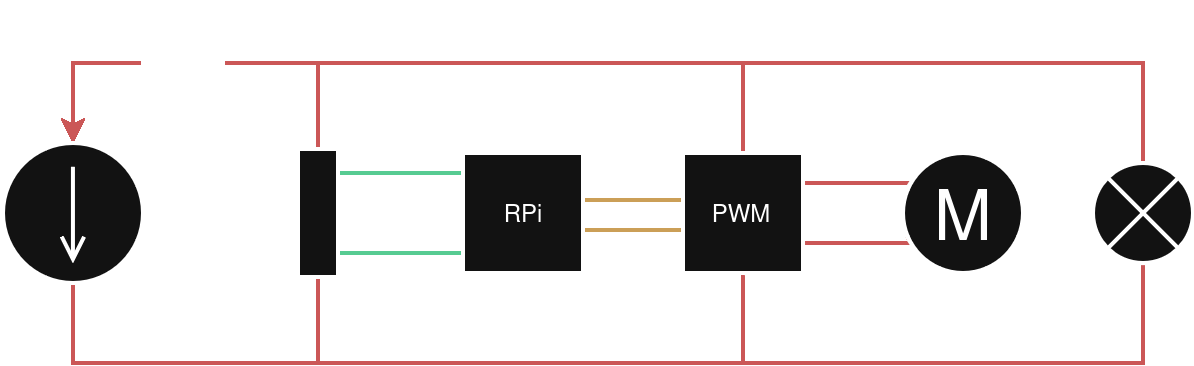
And we wire everything
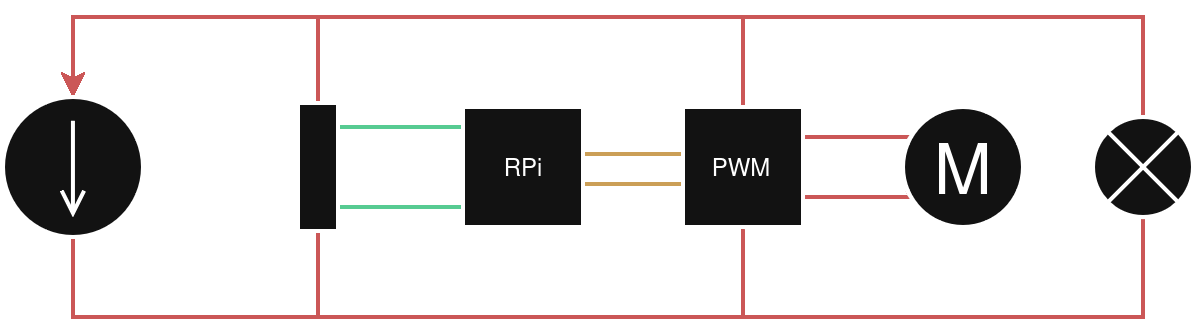
- 14V DC
- 5V DC
- PWM signal
And it works...
- ... Until we accidentally reverse the direction of the train.
- The converter and the RPi start to smell funny...
- Let's add a Schottky diode 😬
Stability
- When we test it in real condition, we realize the electrical network is not stable.
- Electricity has to go through a lot of parts: rails, wheels, etc.
- => The motor can handle these micro-cuts...
- ... But the RPi does not like it at all!
- We add a capacitor to smooth out these micro-cuts.
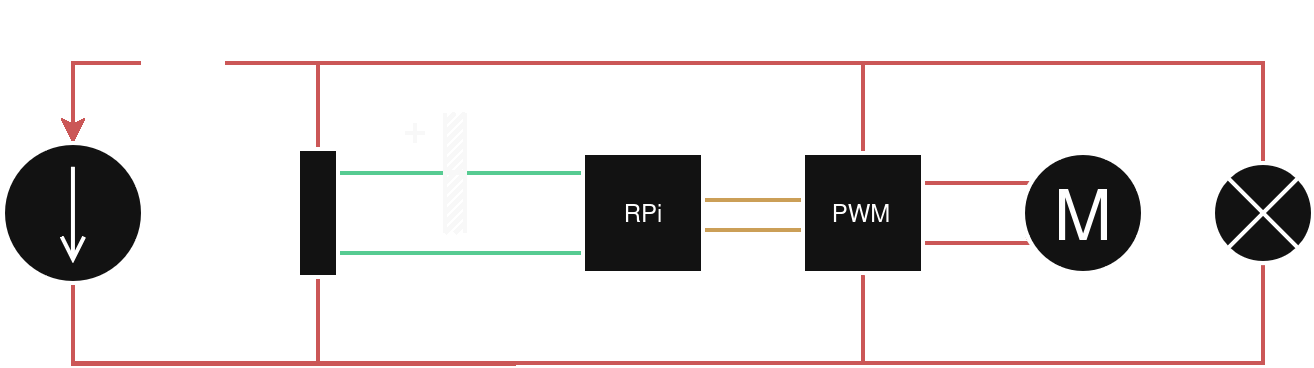
And now, it works!
But it doesn't fit.
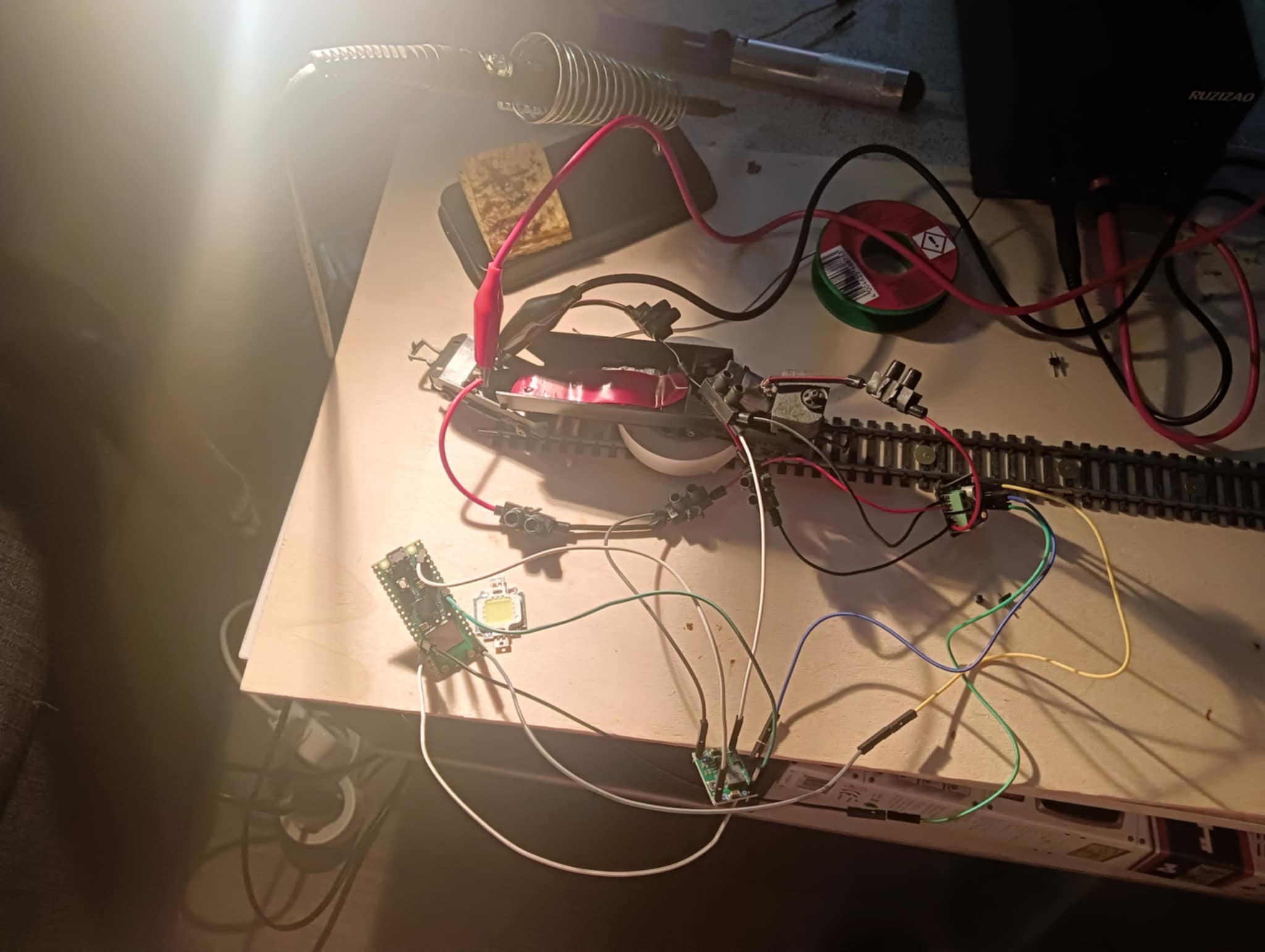
Let's minify it
- We design a custom PCB shield for our needs
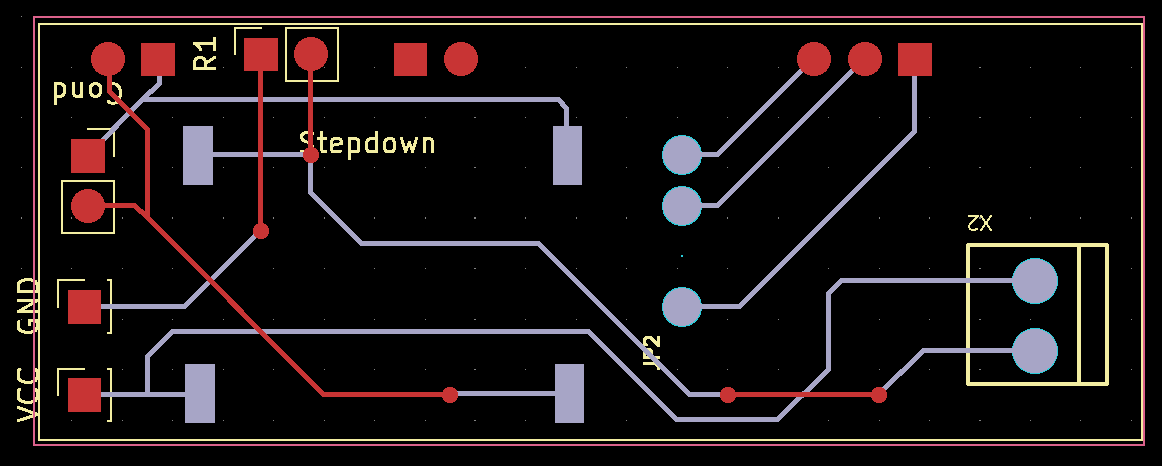
4 weeks later...
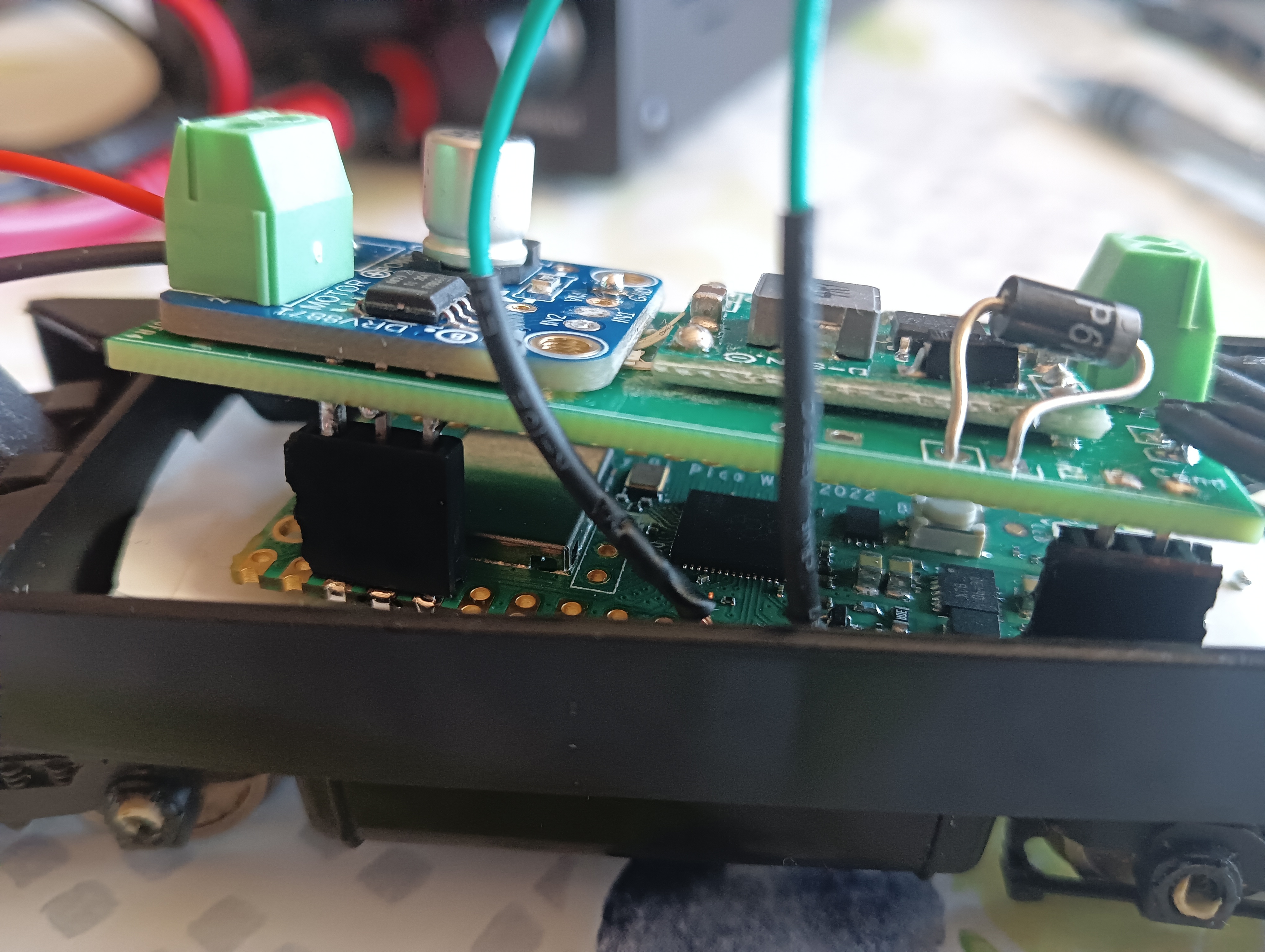
And it really works!
- We push a very simple piece of code on the RPi (speed at 100% and lights on)
Now, it's time to code!
TinyGo
What does our Raspberry Pi have to handle?
- Turn light on/off;
- The motor (through PWM);
- Communicate with the world;
- And that's good enough for a first version.
Good ol' webserver? Nope.
- My first idea was to expose a REST API on each train, and communicate over Wi-Fi
- That was a dumb idea (but I tested it anyway)
- There's no native Wi-Fi on RPi Pico with TinyGo;
- Wi-Fi requires a lot of power, which makes my capacitor insufficient;
- Wi-Fi is SLOW (> 200ms per command);
- => It was the idea of someone who had never done onboard computing.
So, I switched to Bluetooth BLE
A variant of the Bluetooth protocol, designed for IoT.
- Each client exposes a GATT server ;
- This server exposes services ;
- Each service has characteristics ;
- And we can read/write on each characteristic.
- When a server connects to a client, the client stops advertising and keeps the connection open.
- => Latency is negligible! < 1ms 🎉
- And a server can connect to multiple clients (depending on the Bluetooth antenna(s)).
- Bluetooth BLE is used by your smart[watch|glass|ring|...]
Client (TinyGo)
(native tinygo.org/x/bluetooth)
  [...]
  adapter.AddService(&bluetooth.Service{
		UUID: serviceUUID,
		Characteristics: []bluetooth.CharacteristicConfig{
			{
				UUID:  speedCharacteristicUUID,
				Flags: basicFlags,
				WriteEvent: func(client bluetooth.Connection, offset int, value []byte) {
					// Code to update the motor here
					// (In fact, we send information in a channel and handle it after to avoid thread-lock)
				},
			},
		},
	})

	adv.Start();
  [...]
Server (Go)
(using github.com/go-ble/ble)
  // Detect
  devices, _ := ble.Find(ctx, false, func(a ble.Advertisement) bool {
		return strings.HasPrefix(a.LocalName(), "Trainberry::")
  })

  // Connect
  for _, k := range devices {
    cln, err := ble.Connect(ctx, func(a ble.Advertisement) bool {
			return a.LocalName() == k.LocalName()
    })

    //Send info
    cln.WriteCharacteristic(&ble.Characteristic{ValueHandle: 16}, data, true)
  }
Server + Frontend
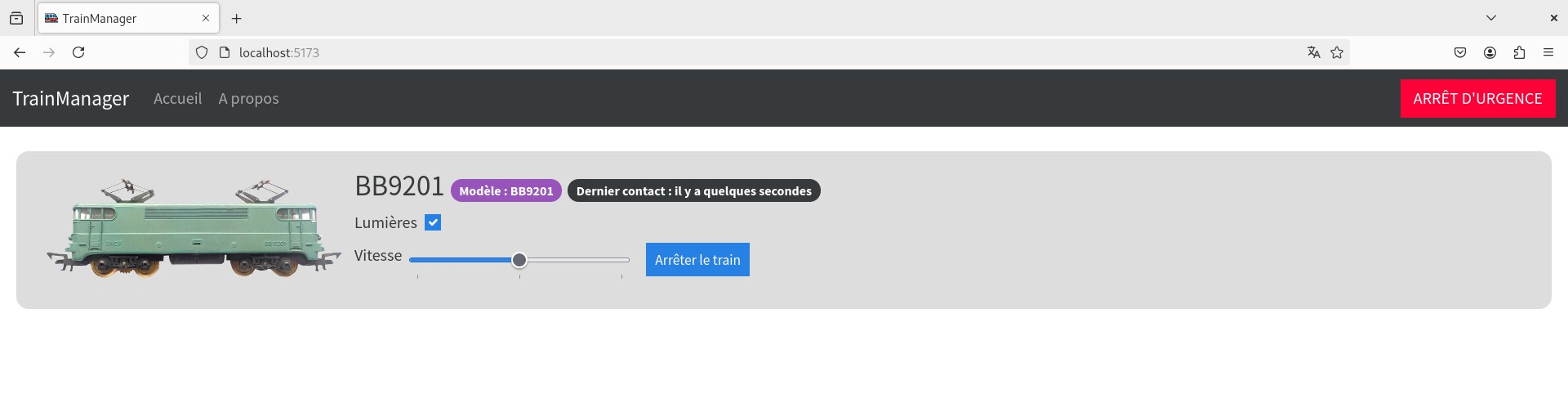
- The server regularly scans for nearby Bluetooth devices, and connects to any client named
Trainberry::XXXX(#safetyFirst) - The server exposes a WebSocket for our Frontend (a simple SPA using Svelte)
- This avoids nearly all the TCP/IP latency
- (and allows us to have sync between multiple clients)
BLE is the way
- Aside from latency, removing Wi-Fi means:
- We do not need to have a dedicated router for this;
- We do not have to handle manually a TCP/IP stack on client;
- We do not have to flash our clients with secrets (SSID, router name, etc).
- => Our code is cleaner than before! Client is < 200 lines and starts in less than a second!
Whoops, my train became a zombie!
- When the train loses power for more than 25s, it becomes a zombie
- We can't reach it anymore, but when power is restored, it goes full throttle!
- When this happens, we have to reboot it - that's the purpose of the Watchdog.
- Using an internal clock, the board reboots after 8s without a signal.
Watchdog
- We add a "still alive" GATT service, polled every 5s by the server
- When we receive a message, we update Watchdog to reset the counter
func main() {
  // Activate the Watchdog
  machine.Watchdog.Start()

  // [...]

  // That's the chan we talked about earlier!
  for {
    event := <-constants.EventChannel
      switch event.Operation {
        case constants.StillAlive:
          machine.Watchdog.Update()
          break
        // [...]
    }
  }
}
And... It works!
Let's minify even more!
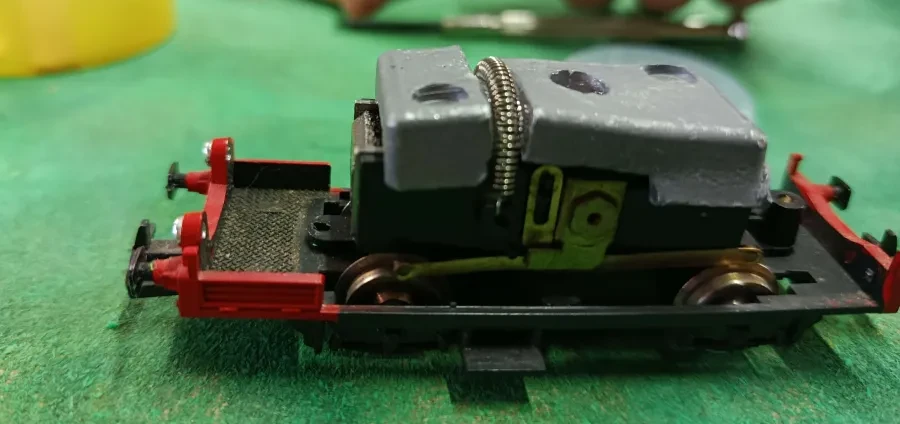
Here comes the Jouef 8525 - "La Draisine" 🥖
Jouef 8525
- Available size inside: 21mm * 42mm * 12mm (l/L/H)
- Our actual setup: 21mm * 51mm * 20mm 🫠 (l/L/H)
Seeed Studio
- Well-known for their XIAO series (17.8 * 21mm)
- Multiple variants (ESP32, RP2040, nRF52480, etc)
- Unfortunately, RP2040 version does not have wireless connectivity...
- ... But nRF52840 does! And... The board is supported by TinyGo 🎉!
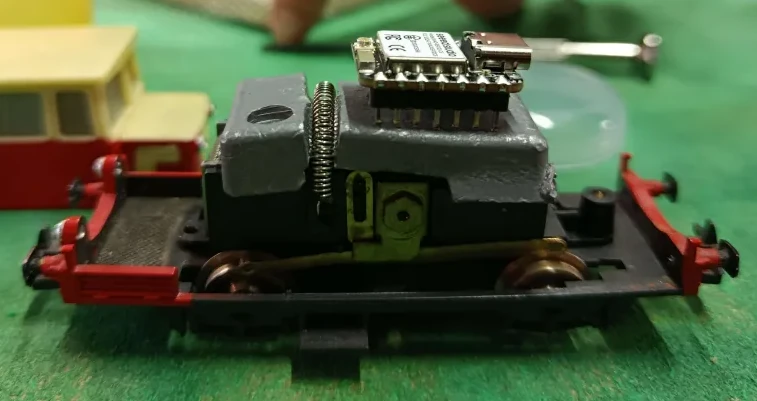
Minify everything!
14V => 5V: Pololu 5V@500mA
|
22mm * 17mm |
=> |
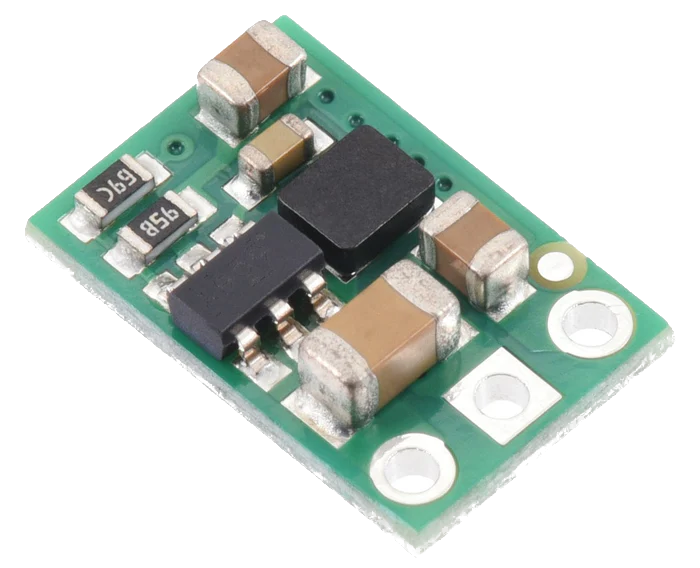 7.6mm * 11.4mm |
Minify everything!
PWM module: TA6586
|
24mm * 20mm |
=> |
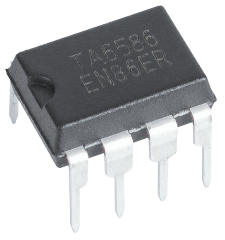 9mm * 6mm |
We're gonna build a board (again) 🎶
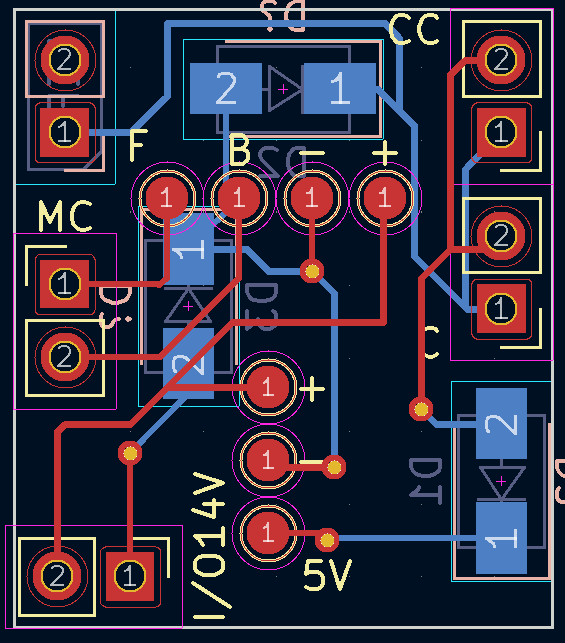
15 days later...
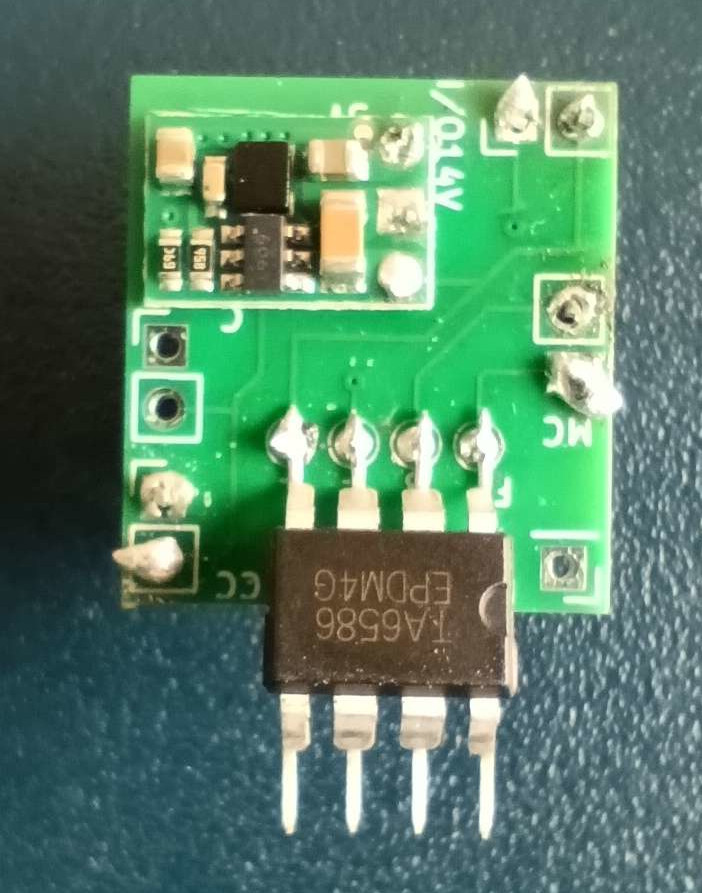
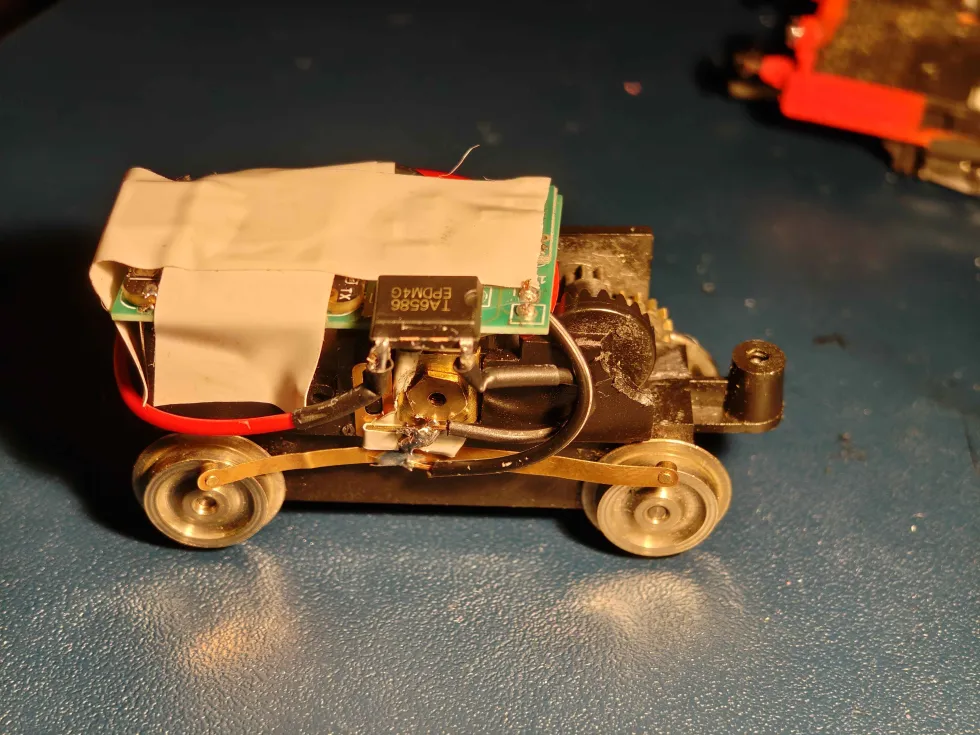
AND IT WORKS!
What's next?
- Minifying is done; our code is stable and fast, let the fun begin!
- Bridge rectifier to avoid train not powering up because of polarity;
- Automated rail station announcement;
- Add sound to the trains ("choo choo"!);
- Automated stop at rail station using NFC;
- Real-time cartography;
- Onboard camera;
- Use TinyGo to control turning points;
- => I have A LOT of ideas for 2026 😁
- And of course, in open-source AND open-hardware. ❤️
Thank you!